

Each year the Santa Barbara Independent hosts our annual Best of Santa Barbara® Readers’ Poll where readers nominate and vote for their favorite businesses in our community in over 200 categories.
Here are some simple instructions and things you’ll need to know for our filling out our ballot.
Logging In to Nominate/Vote

When you go to put in your first nomination/vote or when you hit the “start” button on bestof.independent.com, you’ll be asked to sign in using a google account or email so the website can track your progress on the ballot.

If it’s your first time visiting the website, you’ll be asked to fill some basic information with your email including your name and postal code. You can also sign up for any of our newsletters during this process.
If you’ve already registered your email, you’ll be taken directly to the ballot.
Nominating/Voting Process
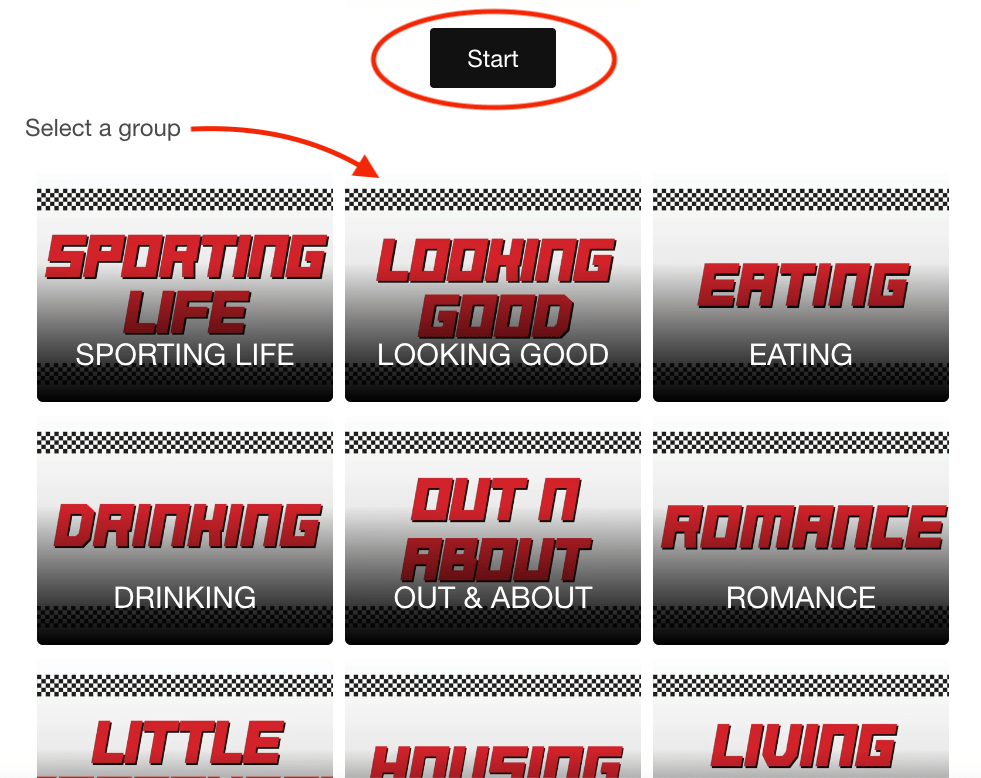
You can click “start” on the home page of the ballot, or you can select any section to begin.

The nomination round is write-in so you’ll need to know the name of the business you’d like to nominate in each category. If you don’t have a nomination to send in for a particular category, you can skip to the next one.
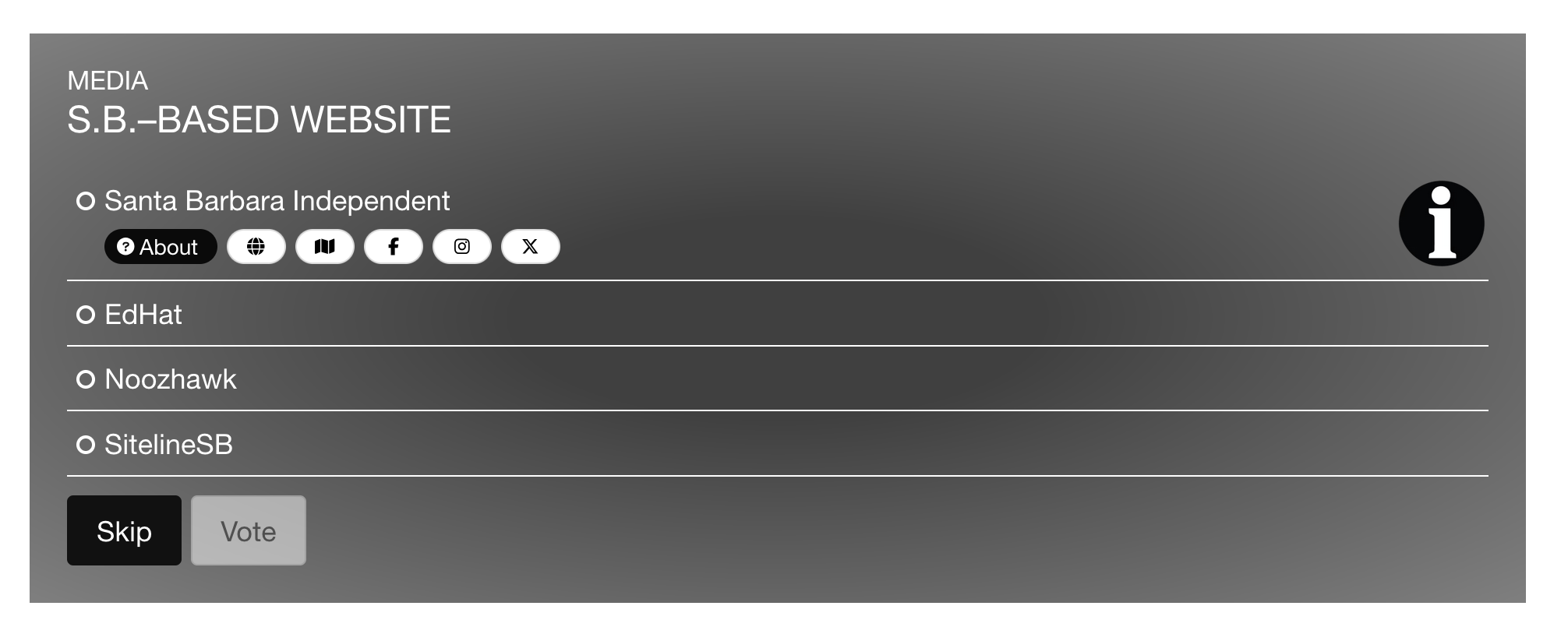
The voting round is multiple choice and the list is crafted by you, our readers. On the voting ballot, each category will have a list for you to choose from. Select your favorite then click ‘Vote’. If you don’t have a favorite to vote for in the category, you can click ‘Skip’.

The website will keep track of your nominations/votes in the top right hand corner under your registered email. For your nominations/votes to count, you’ll need to nominate and vote in at least 20 categories.

You can click on “votes history” to see the last category you nominated/voted in or edit your choices in each category. You can change your answers or edit them anytime between June 4 and July 1.
Other Helpful Information About The Ballot

When you’re in a section, you can use the browse tab to see each category in that group and easily navigate to the next category or change to a different section.
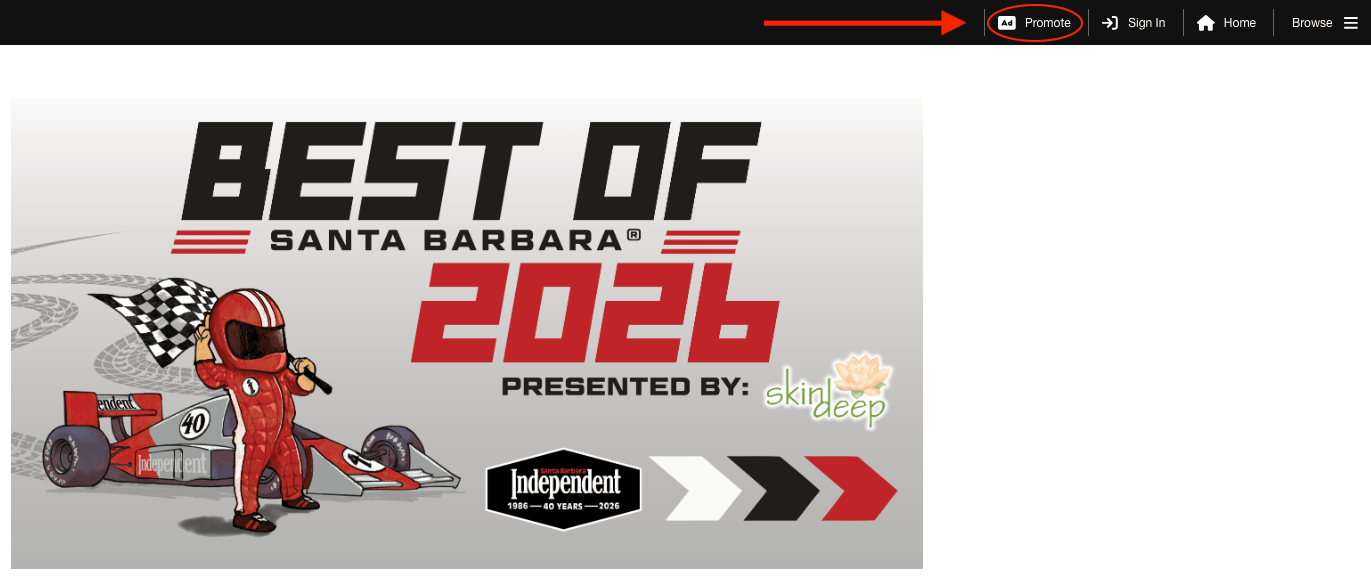
At the top right hand corner of the ballot, there is a section that says “Ad Promote.” If you are a business owner in town and would like to have your information displayed directly on our ballot, you can click on this button.
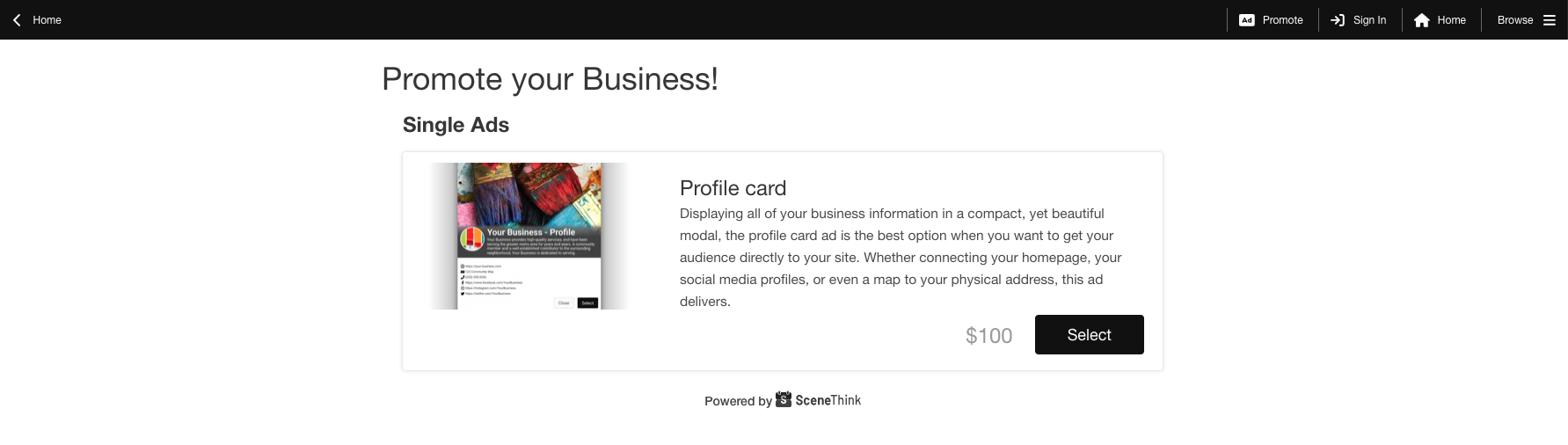
You can purchase a profile card for $100 right on the ballot to quickly and easily share your logo, website, social media, and more! If your on the voting ballot, reach out to your advertising representative for questions.
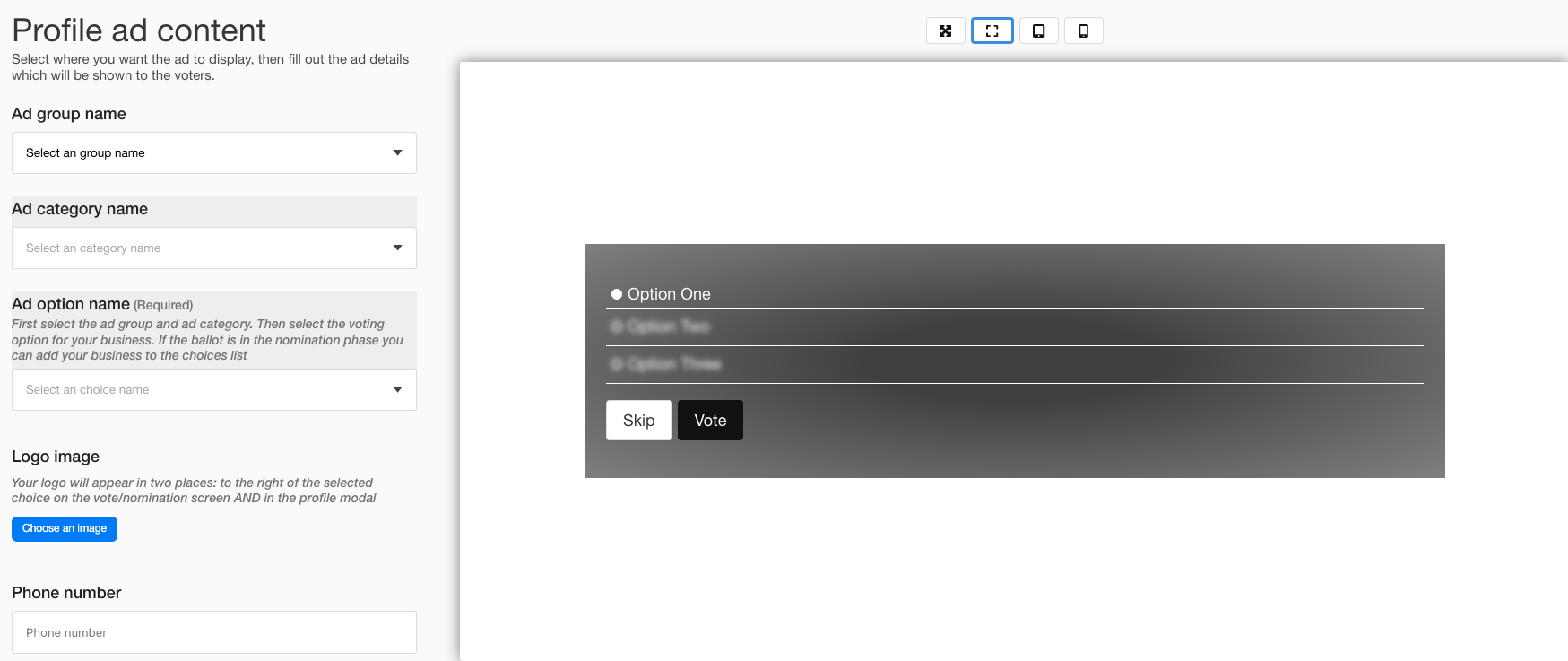
You’ll need to know what group (section) you fall under (Romance, Eating, etc.) and what category your in (Funk Zone Spot, Bakery, etc.) and then you can fill in your personal details. You can pay quickly and easily on the final window.
Have further questions? Email contest@independent.com



You must be logged in to post a comment.